
Scheduling kills around two hours of recruiter time per req. Mostly on the email back-and-forth nobody actually values.
Self-scheduling and automated coordination tools take that drag out of the loop. Candidates self-book, recruiters get their afternoon back, interviewers stop running into double-bookings.
The question isn't whether to use one. It's which fits your hiring volume, your ATS, and the kind of interviews you actually run.
Here are the 14 interview scheduling tools recruiting teams use, split into recruiting-specific platforms and general schedulers used by recruiters: what each does, where each falls short, and which one to pick by hiring volume.
All 14 tools at a glance.
| Tool | Built for | Panel scheduling | Free tier |
|---|---|---|---|
| fillmore | Autonomous outbound recruiting | No | Contact Metaview |
| GoodTime | Enterprise recruiting | Yes (purpose-built) | None |
| ModernLoop | Recruiting (Gem-owned) | Yes | None |
| Cronofy | Embedded scheduling API | Yes (via API) | Free developer tier |
| HireVue Scheduling | High-volume hiring | Yes | None (enterprise) |
| Paradox | Conversational recruiting | Limited | None |
| Calendly | General scheduling | Teams tier only | 1 event type |
| YouCanBookMe | General scheduling | No | 1 calendar |
| OnceHub | General scheduling | Yes (paid) | Unmatched free plan |
| Setmore | SMB appointment booking | No | 4 users free |
| Doodle | Group meeting polls | Group polling only | Limited free |
| Cal.com | Open-source scheduling | Yes (team plans) | Personal free tier |
| SavvyCal | Polish-focused scheduling | Limited | 14-day trial |
| Arrange | Candidate and client coordination | Yes (Arrange Connect, Pro) | 1 user |
Where Metaview fits in your scheduling stack.
Scheduling tools solve one problem: getting the interview booked. They do nothing about what happens once it starts, which is where most of your hiring signal actually lives.
Metaview sits alongside whichever scheduler you choose. It joins the call, writes every answer into a structured, ATS-ready scorecard, and turns your interviews into searchable hiring data. Pick any tool below to book the conversation, and Metaview makes sure nothing said in it gets lost:
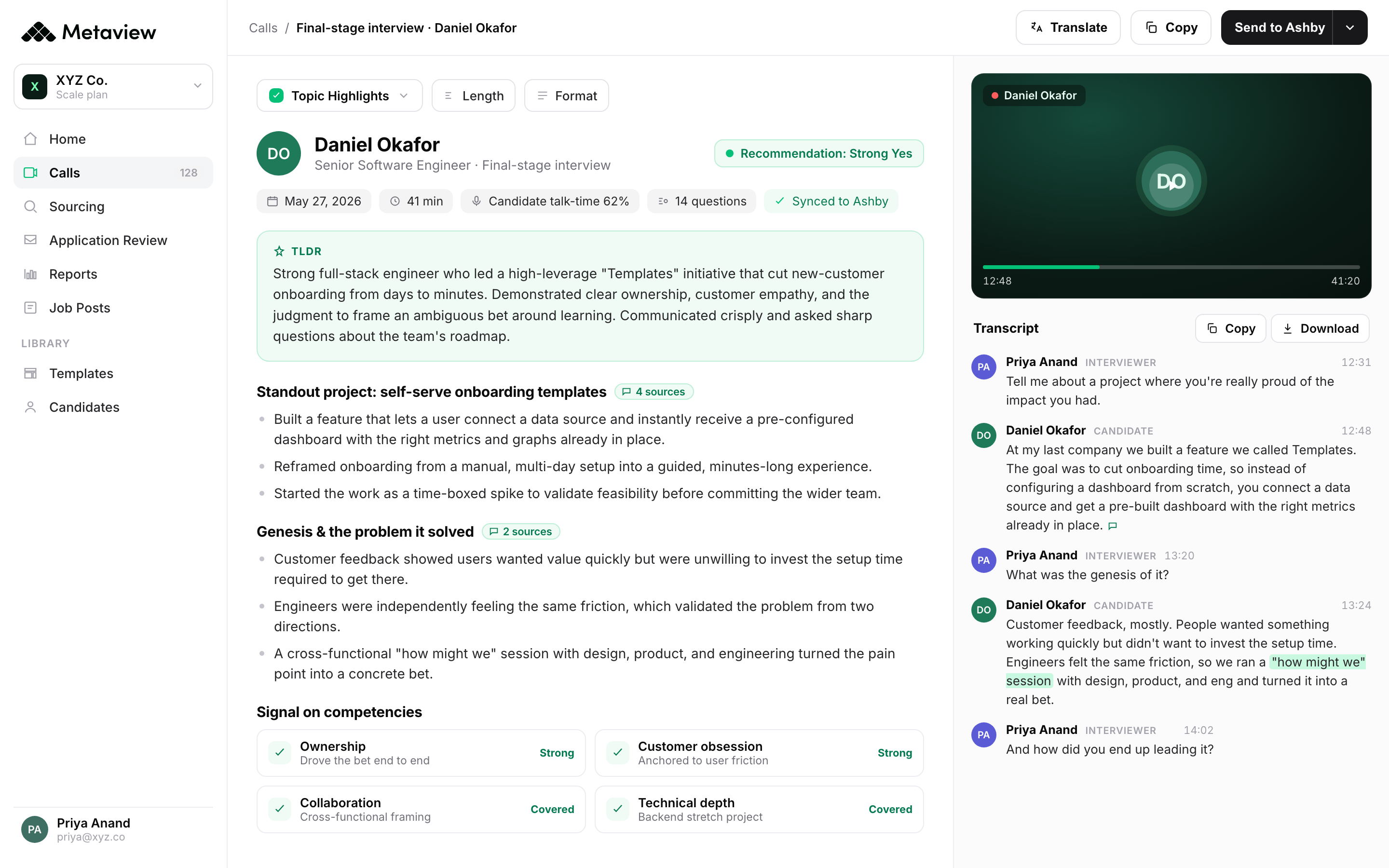
1. fillmore
fillmore is the best option for recruiting teams that want to automate the entire top-of-funnel. Instead of waiting until you've already found a candidate, fillmore handles the whole outbound process: sourcing and researching candidates, personalizing and sending outreach, managing replies and follow ups, and booking interested candidates directly into your team's calendars.
You brief fillmore on the role and who you're looking for, just like you'd brief a colleague. From there, it keeps working until there are qualified candidates ready to talk.
By the time the recruiter steps in, the screening call is already on the calendar.
What you get:
- Autonomous candidate sourcing and research based on your hiring brief.
- Personalized outreach created individually for each candidate.
- Automated follow-ups and reply handling.
- Screening calls booked directly onto the right team member's calendar.
- Slack-native workflow for briefing searches, giving feedback, and checking progress.
- Ongoing calibration based on which candidates your team likes and rejects.
Where it falls short: fillmore is built specifically for outbound recruiting, so it isn't a general-purpose scheduling tool.
Our pick: recruiting teams that want qualified candidates to appear on their calendars without recruiters manually sourcing, reaching out, and scheduling each call. If your real problem getting the best possible candidates booked into calendars, fillmore is the strongest option on this list.
2. GoodTime.
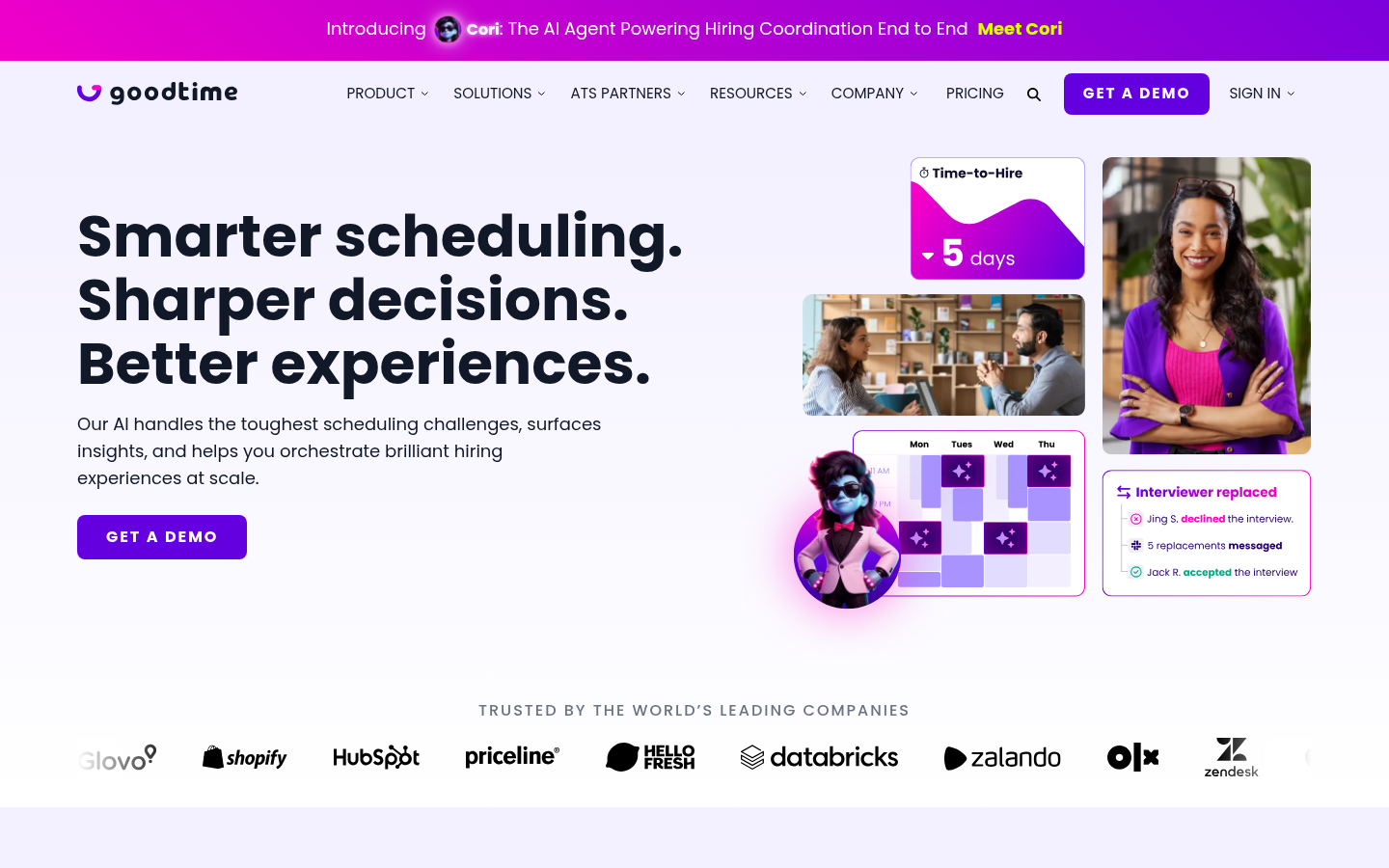
GoodTime is the leading purpose-built scheduler for panel and loop interviews. The interviewer-pool model, skill-tag matching, and load-balancing logic are what set it apart from any general scheduler.
What you get:
- Interviewer pool with skills, levels, and capacity tags.
- Native ATS integrations for Greenhouse, Lever, Workday, Ashby.
- Automated rescheduling with cascading logic (move interview 2, the rest shift cleanly).
- Reporting on time-to-schedule, interviewer load, and decline rates.
Where it falls short: Enterprise pricing, typically $5K-$15K per year minimum. Overkill for teams running under 200 hires a year. Implementation is a 2-4 week project, not a same-day setup.
Our pick: recruiting teams running 500+ hires per year on Greenhouse or Workday. The panel-scheduling math only justifies the spend at scale.
3. ModernLoop.
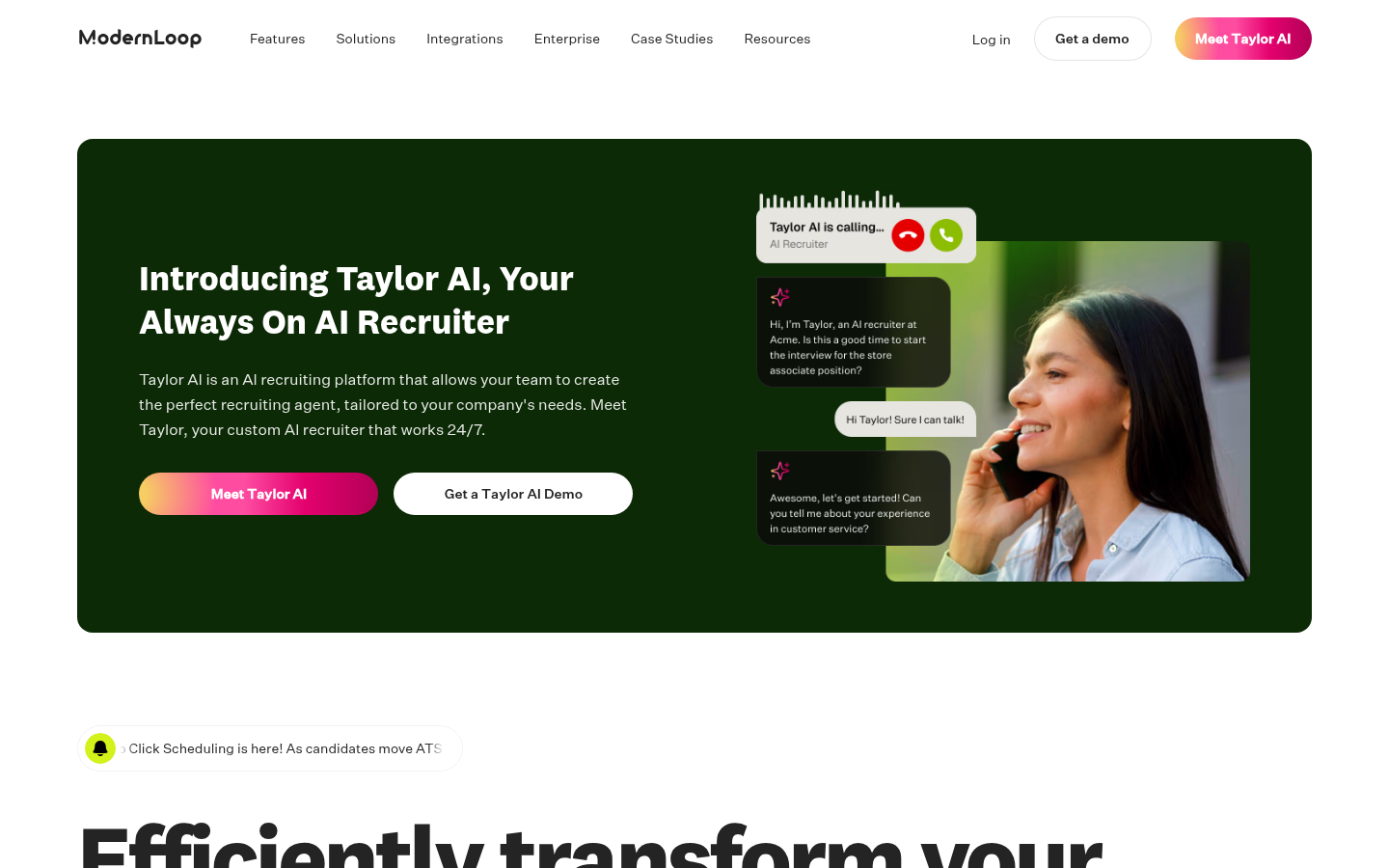
ModernLoop is the recruiting-coordination platform Gem acquired in 2023. Strong on integration breadth and recently leaning hard into the conversational-AI angle with their Taylor AI recruiter layer.
What you get:
- Panel and loop scheduling with multi-stage cascade logic.
- Native Greenhouse, Lever, Ashby, and SmartRecruiters connectors.
- Recruiter analytics dashboards for scheduling efficiency.
- Taylor AI bolt-on for screening conversations before scheduling.
Where it falls short: Pricing is enterprise-only and not transparent. Some integrations (custom ATSs) require Gem services to set up. The Taylor AI layer is newer and less battle-tested than the core scheduling product.
Our pick: teams already paying for Gem who want scheduling unified with their CRM. Strong fit for Ashby-first teams.
4. Cronofy.
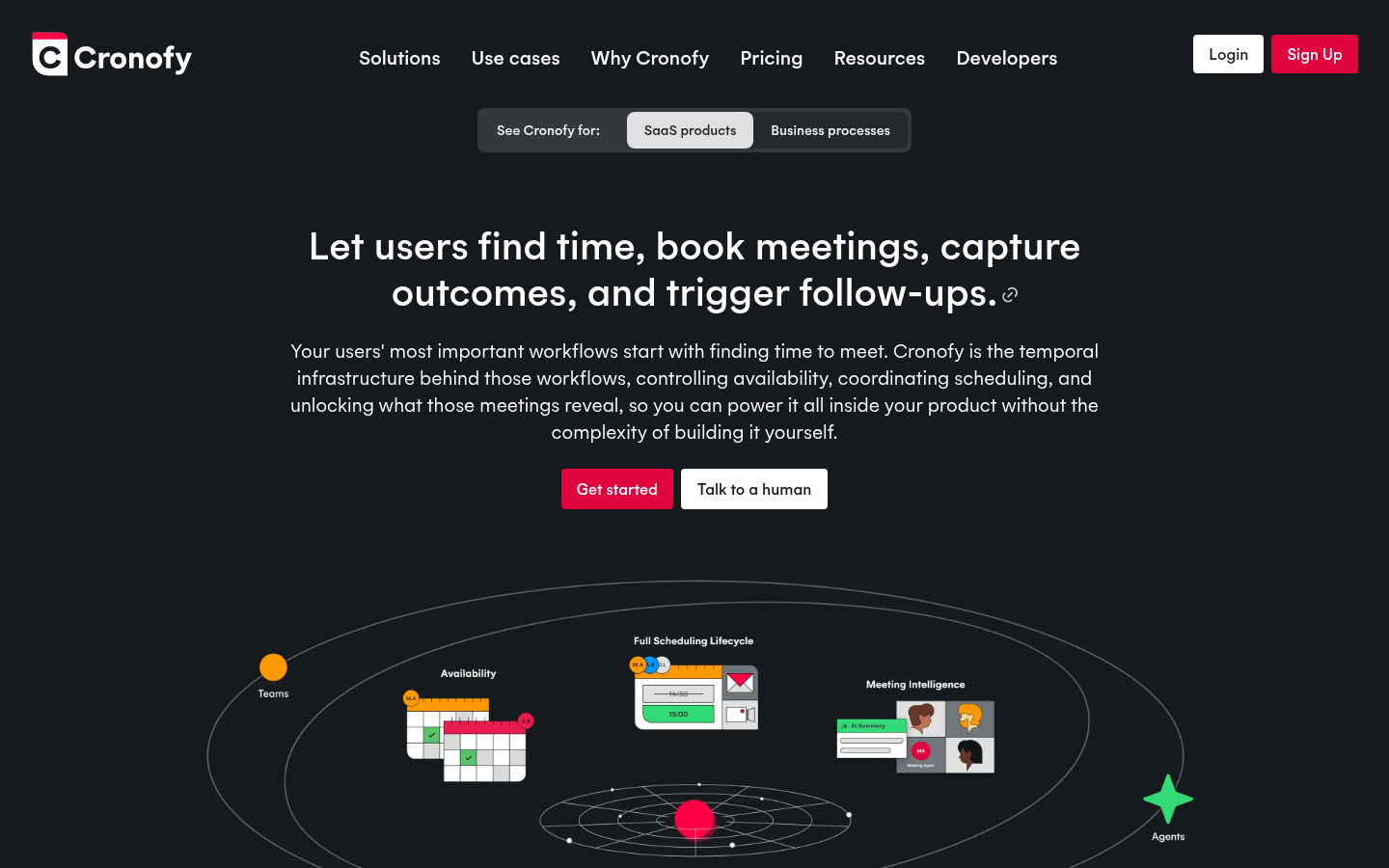
Cronofy isn't a scheduler in the consumer sense. It's the temporal-infrastructure API that powers scheduling inside other tools. If you're building your own ATS layer or need scheduling embedded inside a product, this is what you wire in.
What you get:
- Calendar sync APIs for Google, Microsoft 365, Exchange, iCloud.
- Availability and meeting-coordination endpoints.
- Real-time scheduling logic exposed as a service.
- SOC 2, ISO 27001, GDPR compliance for enterprise embedding.
Where it falls short: Not a turnkey product. You need an engineer to build the scheduling experience on top. Pricing scales by API calls, not seats.
Our pick: product teams embedding scheduling into their own recruiting platform. Skip if you want an off-the-shelf scheduler your recruiters can configure themselves.
5. HireVue Scheduling.
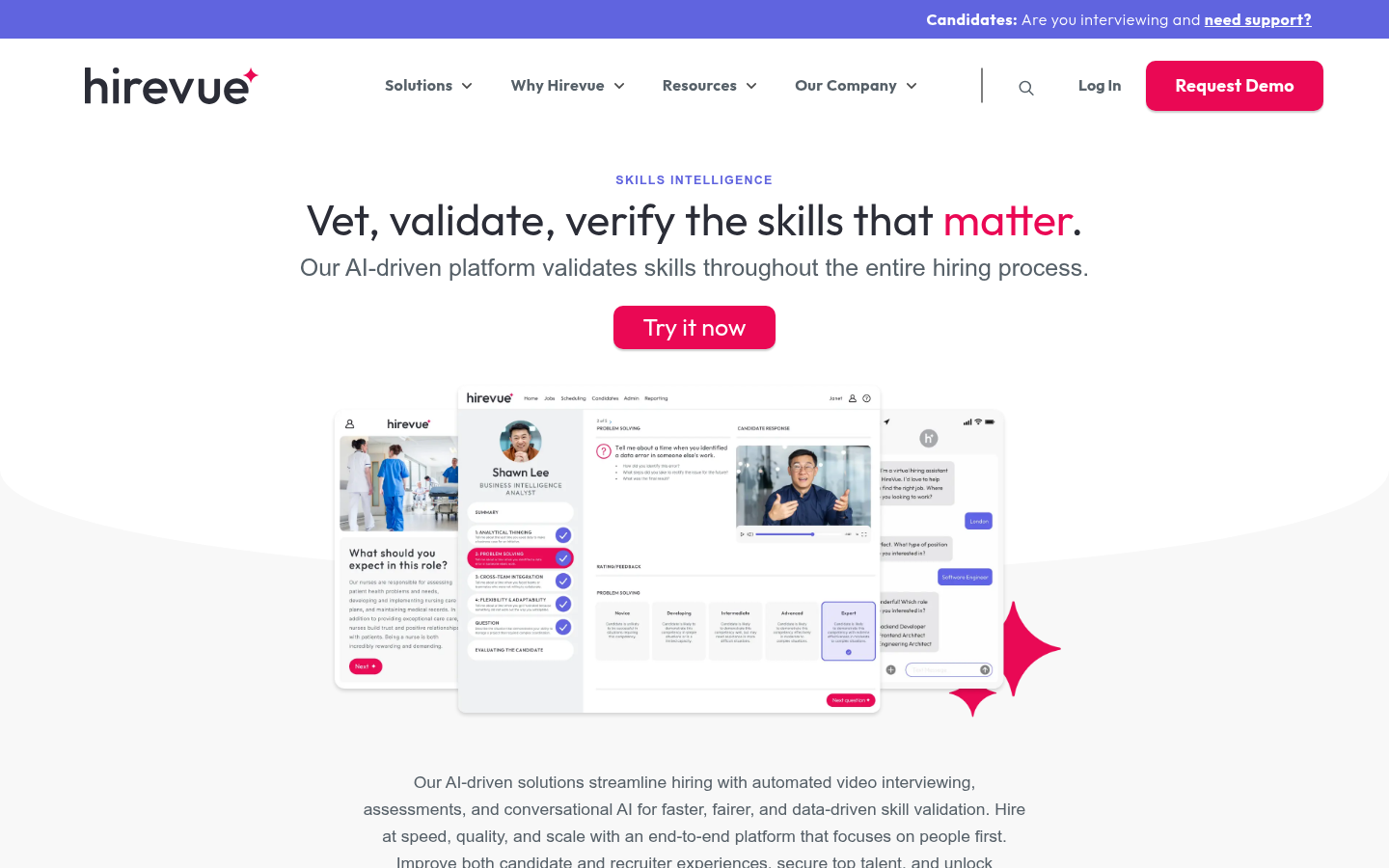
HireVue's scheduling layer is bundled with their async video interviewing and skills assessment platform. The scheduling isn't best-in-class on its own; it's the bundling that makes sense.
What you get:
- Self-scheduling tied to async-video assessment stages.
- Interview-day reminders and structured-question prompts.
- ATS integrations for Greenhouse, Workday, SmartRecruiters.
- Bundled with the wider HireVue platform.
Where it falls short: No standalone scheduling SKU. You buy HireVue for the async-video assessment first; scheduling rides along. The AI scoring layer is high-risk under the EU AI Act, with those obligations applying from 2 December 2027.
Our pick: high-volume entry-level hiring (retail, hospitality, contact-center) where async video is already in the loop. Not a serious pick for knowledge-worker scheduling on its own.
6. Paradox.
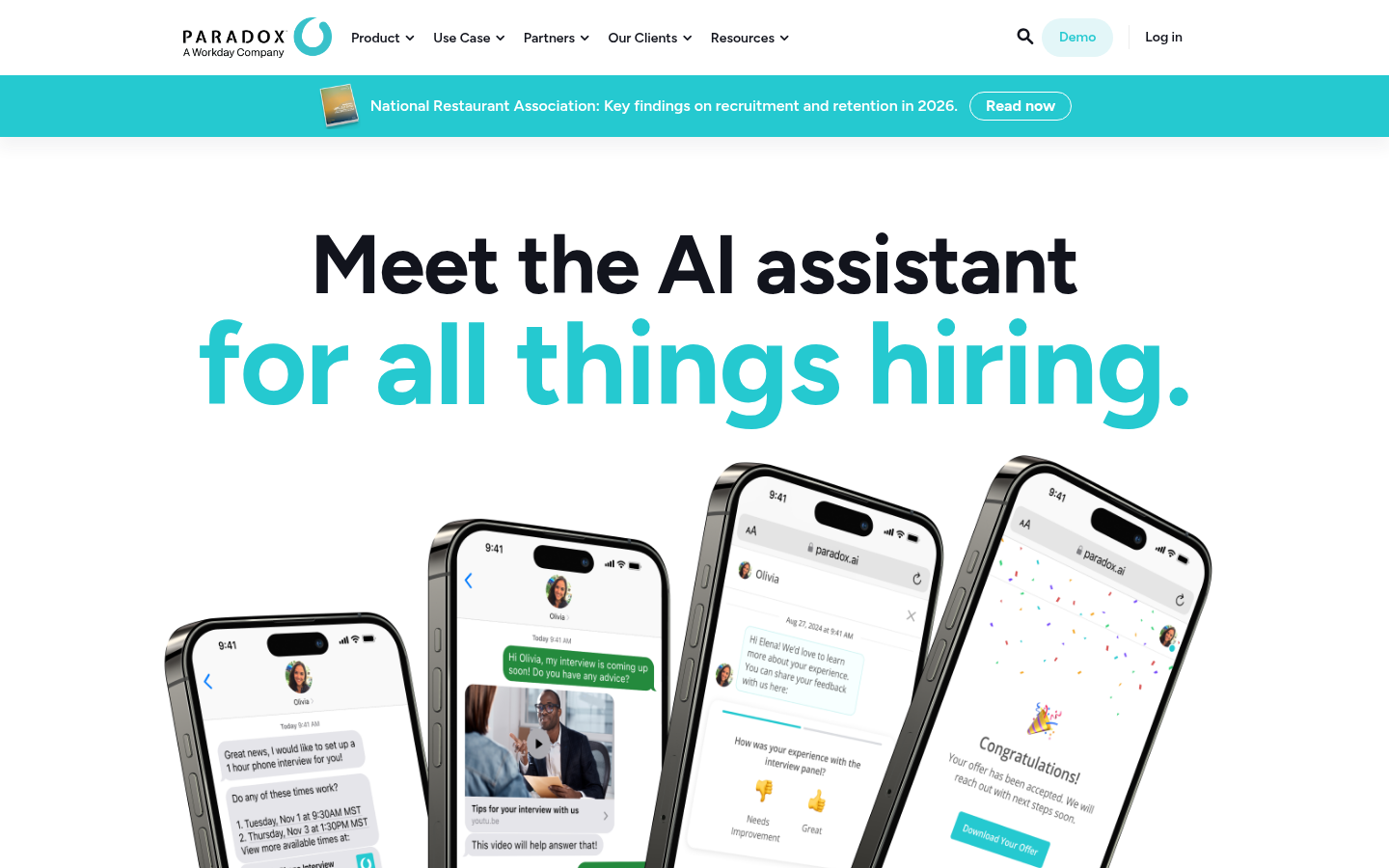
Paradox is a conversational recruiting platform that handles scheduling as one of many automated tasks. The pitch is end-to-end: from screening conversation through interview booking to onboarding.
What you get:
- Conversational screening and scheduling via chat.
- Interview reminders and rescheduling through the same assistant.
- ATS integrations for Workday, SAP SuccessFactors, Oracle, Greenhouse.
- Strong on high-volume hourly and frontline hiring.
Where it falls short: The conversational layer suits high-volume hourly hiring better than knowledge-worker loops. Multi-interviewer panel scheduling is limited compared to GoodTime or ModernLoop. Enterprise pricing only.
Our pick: high-volume hourly and frontline hiring at 1,000+ hires per year. Skip if your loops are 4-stage panel interviews for engineers.
7. Calendly.
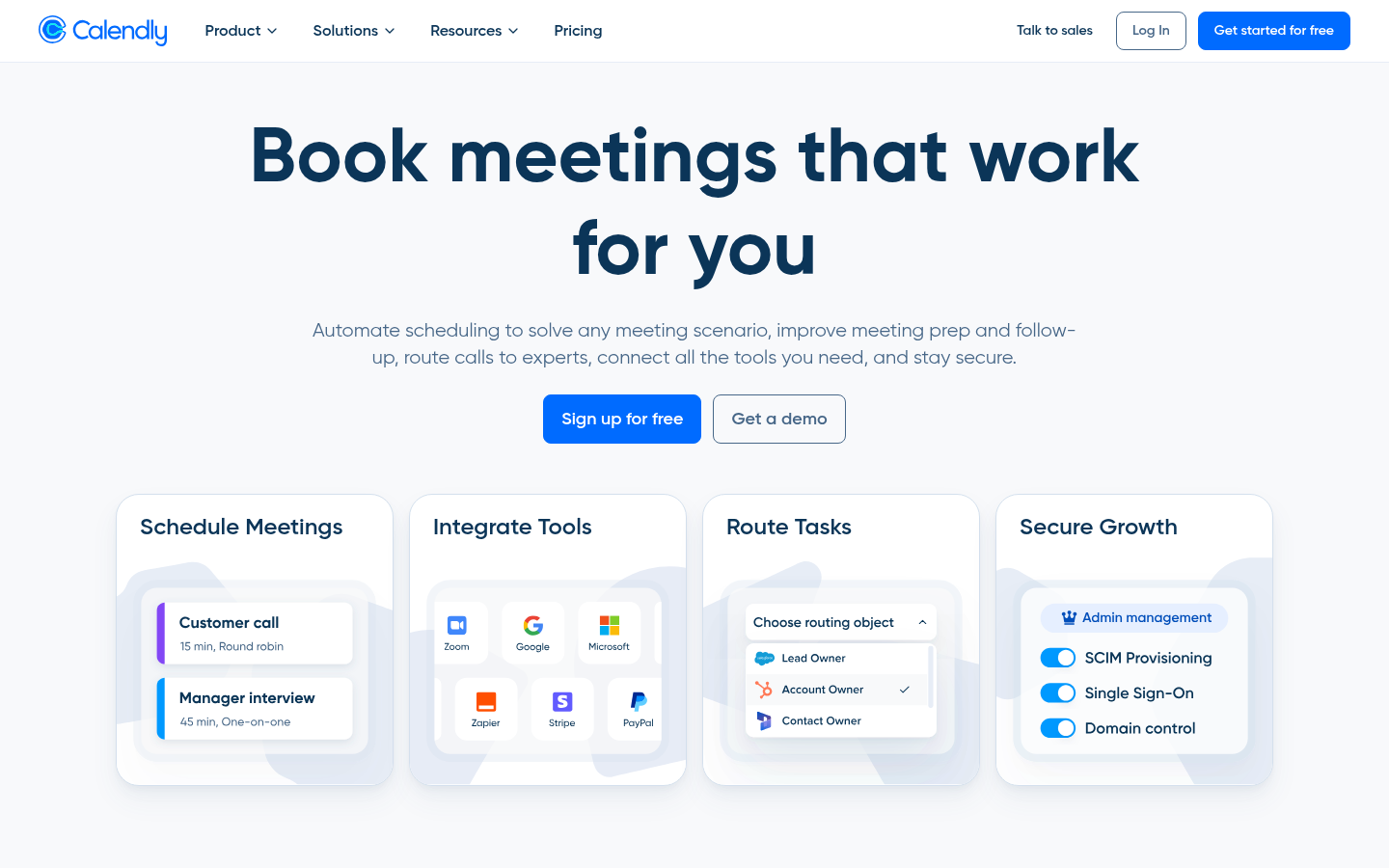
Calendly is the default general-purpose scheduler. 20M+ users, every major ATS knows how to receive a Calendly booking, every recruiter has used one at some point.
What you get:
- Free tier: 1 event type, unlimited bookings, calendar sync.
- Teams tier: round-robin assignment, multi-step booking, panel scheduling.
- Native integration into Greenhouse, Ashby, Lever via their app marketplaces.
- Routing-form logic on paid plans (Standard $10/seat/month and up).
Where it falls short: Panel and loop interviews need the Teams tier minimum. Free tier's single-event-type limit forces creative workarounds for multi-stage funnels. No interviewer-pool model; you're scheduling against named individuals, not capacity-tagged roles.
Our pick: solo recruiters and TA teams under 50 hires per year. The free tier covers more than most recruiters realize.
8. YouCanBookMe.
YouCanBookMe is the customization-heavy alternative to Calendly. Booking pages are highly themable, which matters if recruiters want a branded experience for candidates.
What you get:
- Custom-branded booking pages with your colors, logo, and copy.
- Unlimited bookings on paid plans starting at $13/month.
- Google, Microsoft 365, and iCloud calendar sync.
- Form fields for capturing candidate info pre-booking.
Where it falls short: No native ATS integrations. Zapier middleware required to get bookings into Greenhouse or Lever. No multi-interviewer panel scheduling at any tier.
Our pick: solo recruiters who care about branded candidate experience and don't need ATS write-back.
9. OnceHub.
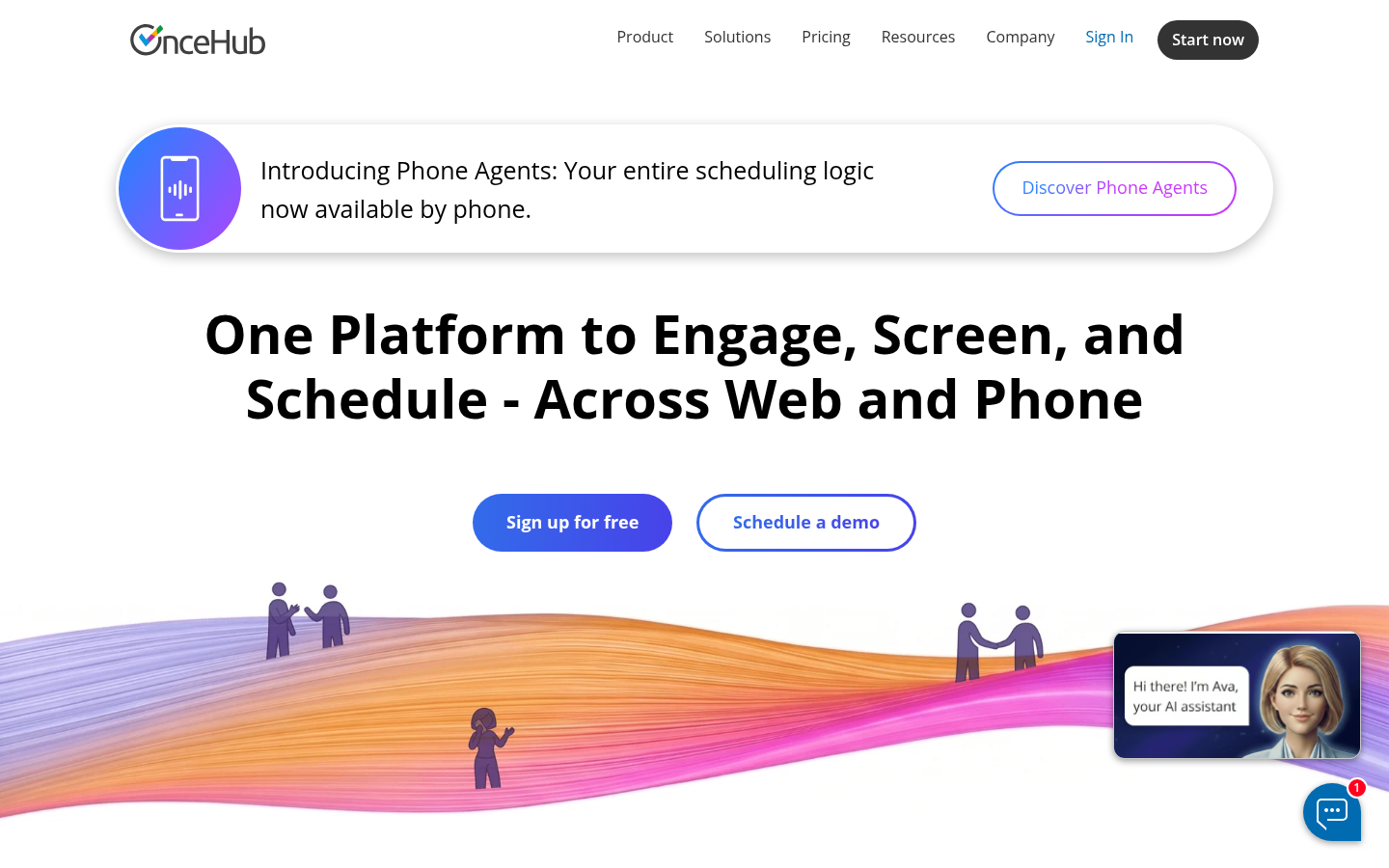
OnceHub blends scheduling with a form-and-chatbot front-end for the candidate experience. Strong on the workflow-automation side, with conditional logic between forms and booking pages.
What you get:
- Free tier with unlimited basic bookings (more generous than Calendly's free).
- Form-and-chatbot integration for candidate pre-screening.
- Round-robin and team scheduling on paid plans.
- HubSpot, Salesforce, Zapier integrations.
Where it falls short: No native ATS connectors. The interface has more depth than most recruiters need for simple bookings. Better suited to sales-style scheduling than recruiting.
Our pick: recruiters who also need form-based candidate pre-screening before booking. Strong fit if HubSpot is part of your stack.
10. Setmore.
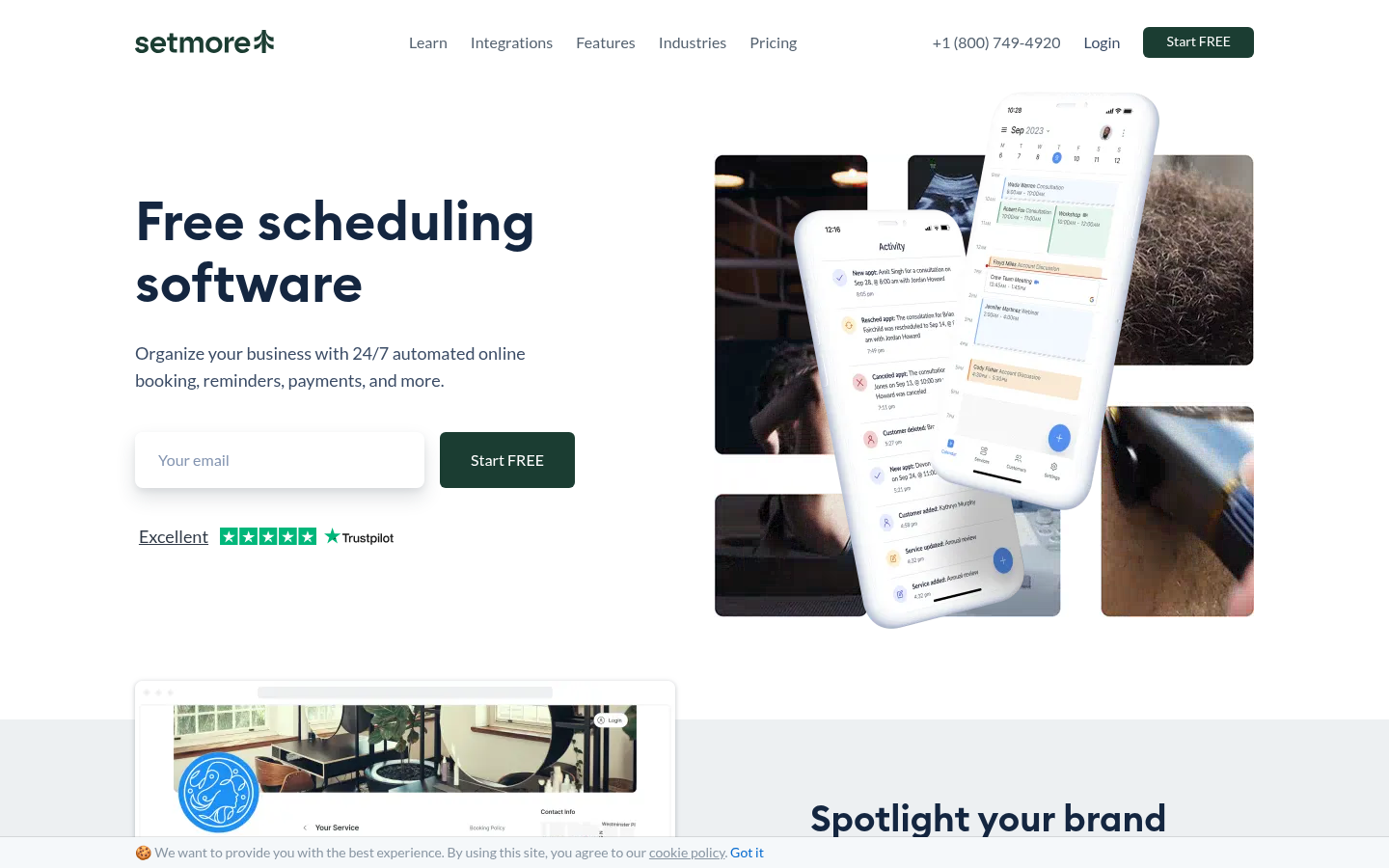
Setmore is positioned for SMB service businesses, not recruiting. It shows up on recruiting lists because the free tier is generous (4 users, unlimited bookings, payment processing).
What you get:
- Free tier: 4 users, unlimited appointments, basic reminders.
- Payment processing built in (Stripe, Square).
- Email and SMS reminders.
- Booking page customization on paid plans.
Where it falls short: No ATS integrations of any kind. Built for hair-salon and clinic bookings, not recruiting loops. The reporting layer is service-business-shaped, not pipeline-shaped.
Our pick: consultancies or solo recruiters running independent practices who want a free tool. Not a recommendation for team-wide recruiting deployment.
11. Doodle.
Doodle is the OG group-poll scheduler. The recruiting use case is narrow: when you need a candidate to vote across multiple time slots for a panel without locking interviewer calendars upfront.
What you get:
- Group polling: candidates vote on times that work for them.
- One-on-one booking pages on paid plans.
- Google, Microsoft 365 calendar sync.
- Free tier with limited polls and basic features.
Where it falls short: Polling-first design doesn't map cleanly to high-velocity recruiting. No ATS integration, no interviewer-pool model, no automation beyond the basic poll.
Our pick: external candidate scheduling where you need to find consensus across multiple interviewers and the candidate without pinning anyone's calendar. Niche but useful. Agency recruiters booking a candidate with a client's hiring manager have a purpose-built option in Arrange, whose Matchmaker flow collects availability from both sides at once and confirms the first match automatically.
12. Cal.com.
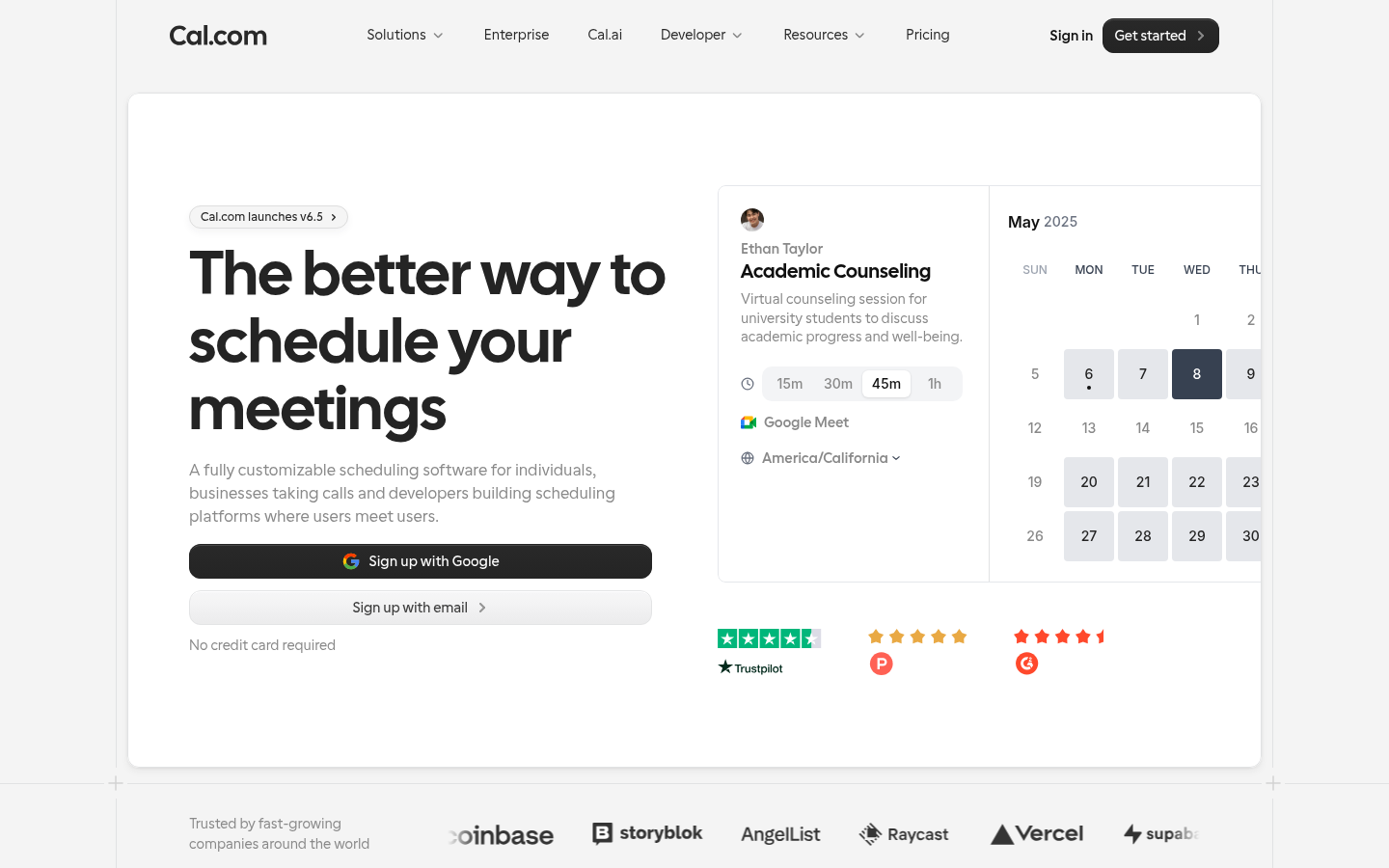
Cal.com is the open-source Calendly. Same UX, but self-hostable, with team plans that match Calendly Teams feature-for-feature at lower cost.
What you get:
- Free Personal tier with unlimited bookings.
- Team plans with round-robin and collective scheduling.
- Self-hosting option for security-conscious teams.
- Native integrations into Salesforce, HubSpot, Stripe, plus 50+ apps.
Where it falls short: Native ATS integrations are thinner than Calendly's enterprise marketplace. Self-hosting is a real option but requires engineering ownership. Some panel-scheduling logic is less mature than purpose-built recruiting tools.
Our pick: security-conscious teams or open-source-first teams who want Calendly's UX without the SaaS lock-in.
13. SavvyCal.
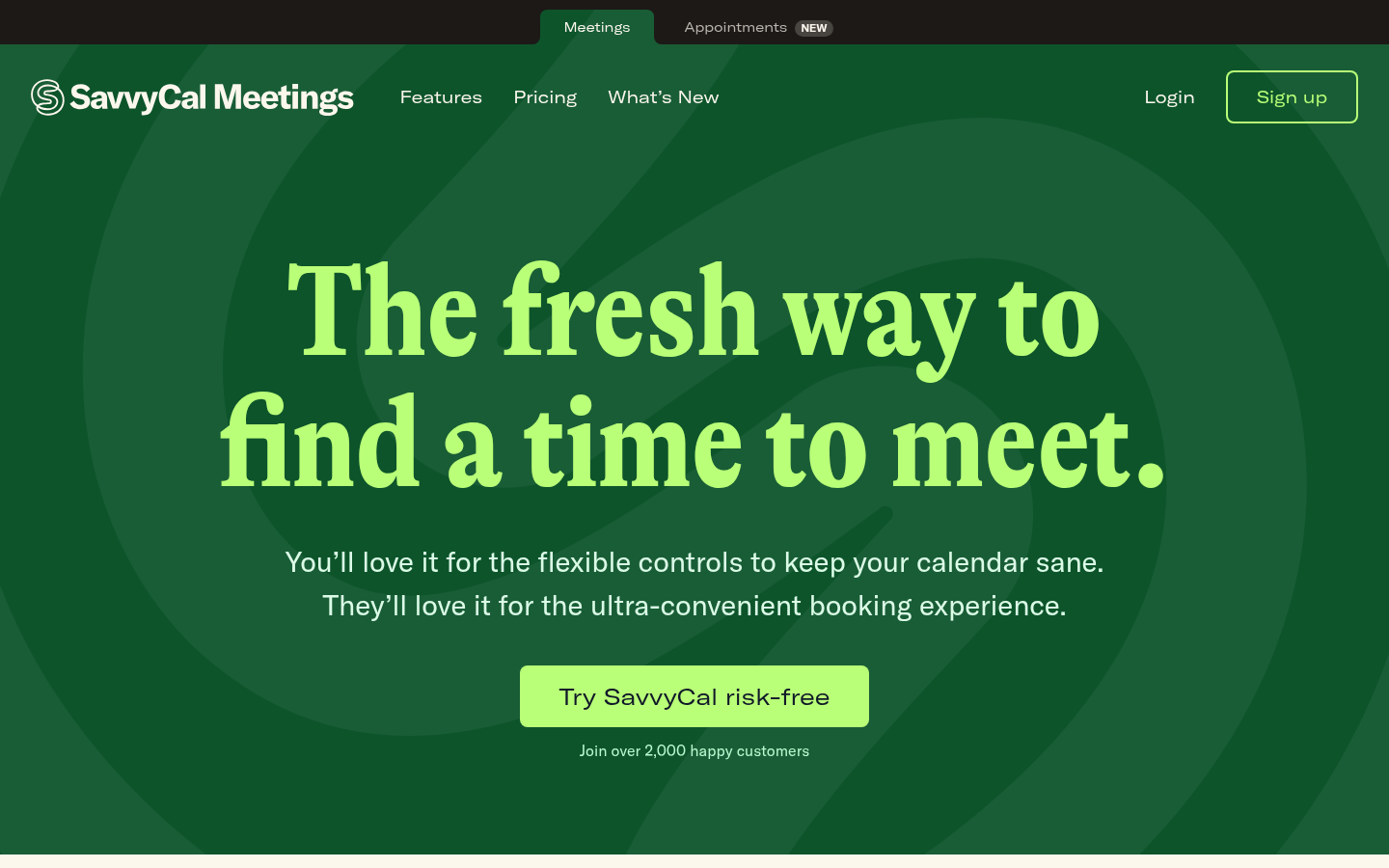
SavvyCal is the design-led Calendly alternative. Polish on the candidate-side experience is the explicit pitch: overlay your calendar over the recruiter's to find times that work for both.
What you get:
- Calendar overlay so the candidate can pick around their own commitments.
- Booking links plus single-use scheduling URLs.
- Standard Google/Microsoft 365/iCloud sync.
- 14-day trial; paid plans start at $12/month per user.
Where it falls short: No free tier, only a trial. No native ATS integrations. The polish premium doesn't translate into recruiting-specific features.
Our pick: hiring managers and exec recruiters who care about the candidate-side experience and have personal-brand reasons to use it. Not a TA-team-wide pick.
14. Arrange.
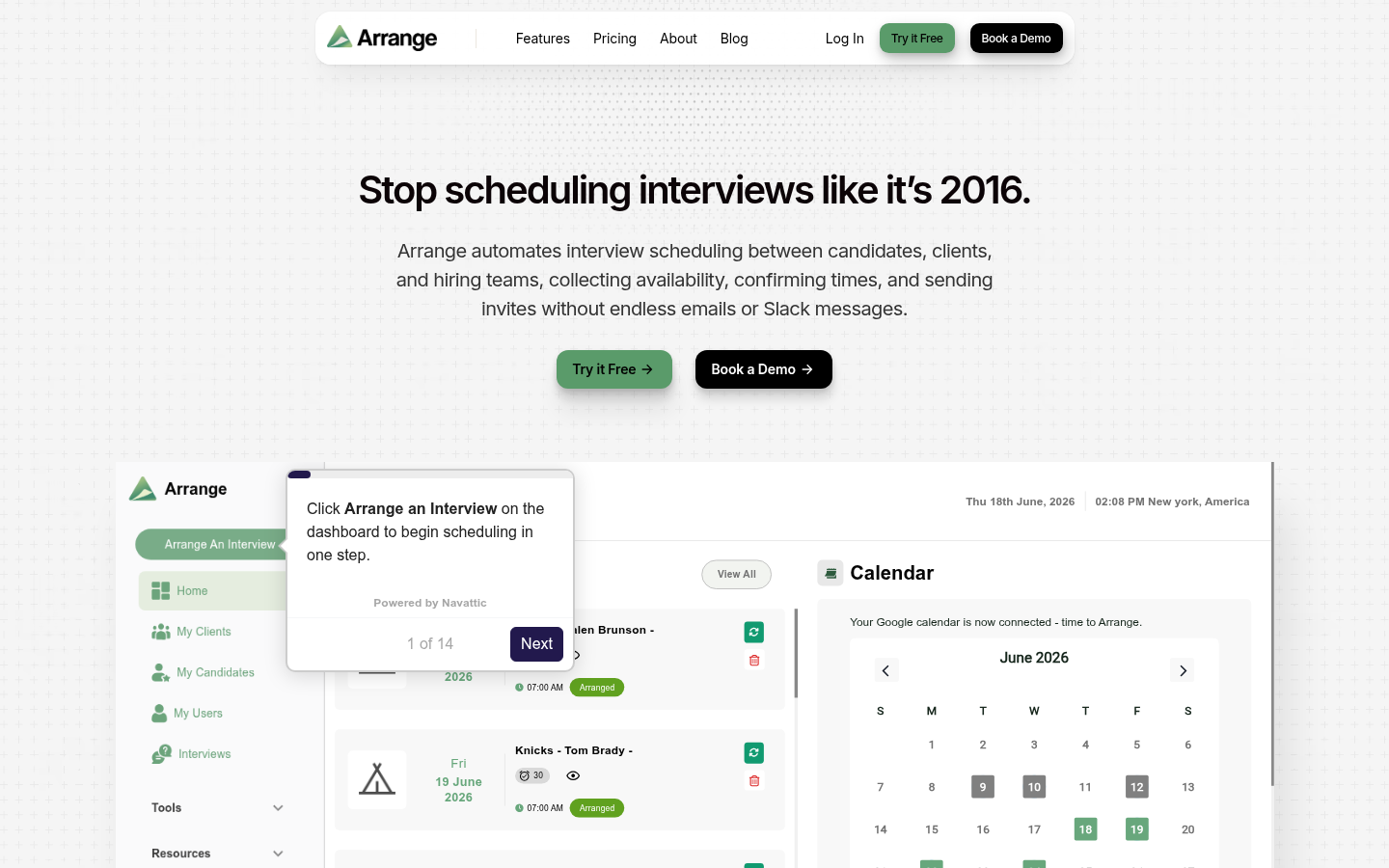
Arrange is interview scheduling built for the person in the middle: recruiters and coordinators who book interviews between candidates, clients, and hiring teams. Candidates and clients give their availability through branded emails and forms, and neither side needs an account or login.
What you get:
- Client First, Candidate First, and Matchmaker flows. Matchmaker collects both sides' availability in parallel and books the first open time.
- Arrange Connect, which combines several hiring managers' calendars into one shared view for panel interviews.
- A live stage tracker with reminders, edits, and rescheduling from one dashboard.
- Google and Outlook calendar sync, automatic Zoom, Meet, or Teams links, and ATS integrations.
- White-labeled booking links and a custom domain on the Enterprise plan.
- Free Starter plan for one user; Pro at $35/user/month with a 14-day free trial.
Where it falls short: Arrange does scheduling only, so it sits alongside your ATS and assessment tools rather than replacing them. The free plan covers a personal booking link and 1:1 bookings for one user; the recruiter flows, hiring manager calendar connections, and ATS integrations come with Pro.
Our pick: recruiters and coordinators booking interviews across several parties, from a single client call to a full panel, especially when some stakeholders won't log into another tool.
How to choose the best tool.
You're a recruiting team running 500+ hires per year. Pick GoodTime or ModernLoop. Panel-scheduling logic and interviewer-pool models are what differentiate from any general scheduler.
You're a solo recruiter or TA team under 50 hires per year. Calendly's free tier or Cal.com's Personal tier covers most of what you need. Skip the panel-scheduling premium.
You're hiring high-volume hourly or frontline staff. Paradox or HireVue Scheduling. The conversational and async-video layers are doing real work alongside the booking.
You're embedding scheduling into your own product. Cronofy's API. Skip the turnkey schedulers.
Whatever you pick, pair it with Metaview for the capture side. Scheduling books the conversation; capturing what was said in that conversation is a different job entirely. See our ATS integrations roundup for how the capture layer fits the rest of your stack.
Bring Metaview into your hiring stack.
Live notes, structured scorecards, and ATS sync - set up in under 10 minutes.
Frequently asked.
What's the difference between a general scheduler and a recruiting-specific scheduler?
General schedulers (Calendly, Cal.com) coordinate one person's calendar with one candidate. Recruiting-specific schedulers (GoodTime, ModernLoop) coordinate panel interviews with multiple interviewers tagged by skills, levels, and load capacity. The math difference is single-calendar booking vs interviewer-pool optimization. General schedulers fall apart on 4-stage panels with rotating interviewers.
When should I move from Calendly to GoodTime or ModernLoop?
When panel scheduling starts breaking. The trigger is usually around 200 hires a year, multi-interviewer loops where you need to load-balance across people, or when your recruiters are spending more than two hours per req on calendar coordination. Below that, Calendly's free or Teams tier is fine.
Do these scheduling tools integrate with Greenhouse, Ashby, and Lever?
GoodTime, ModernLoop, HireVue, and Paradox have first-class native integrations into Greenhouse, Ashby, Lever, and Workday. Calendly and Cal.com integrate via official app marketplaces (lighter touch). YouCanBookMe, Setmore, Doodle, and SavvyCal need Zapier middleware to land bookings in the ATS, which adds setup time and breaks more often.
Can I use scheduling software for free?
Yes, with caveats. Calendly free tier limits you to 1 event type. Cal.com Personal is unlimited but solo-only. OnceHub has a generous free plan. Doodle and Setmore have free tiers. None of the recruiting-specific schedulers (GoodTime, ModernLoop, HireVue, Paradox) have free tiers; they're enterprise-only.
What's the actual time saved by automating interview scheduling?
Industry data from candidate.fyi shows median time-to-interview dropping from 5.9 to 3.9 days when self-scheduling is enabled. Recruiters typically claw back 1-2 hours per req from the email back-and-forth. At 50 reqs per year that's a week of recruiter time recovered annually; at 500 reqs the savings are an order of magnitude bigger.
Does the EU AI Act apply to scheduling tools?
Pure scheduling tools (Calendly, Cal.com, GoodTime) don't make AI hiring decisions, so they fall outside the high-risk category. Schedulers bundled with AI scoring or assessment (HireVue, Paradox) are in scope from 2 December 2027 (for a system already on the EU market before then, only once its design changes significantly).


